(02) — Blog
Separate visible identity from system data.
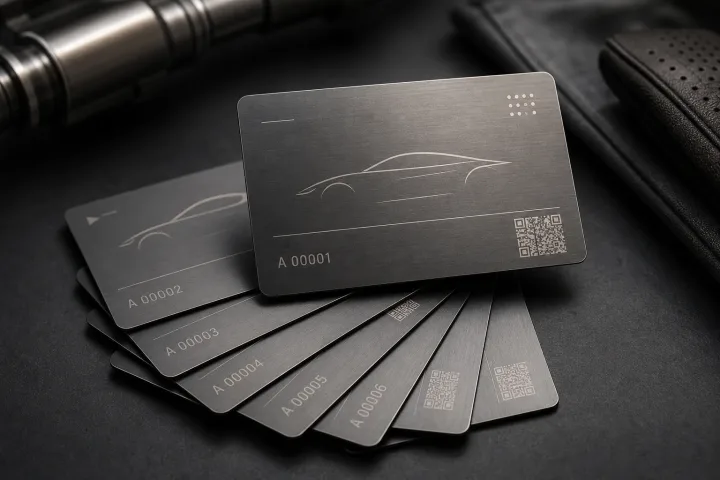
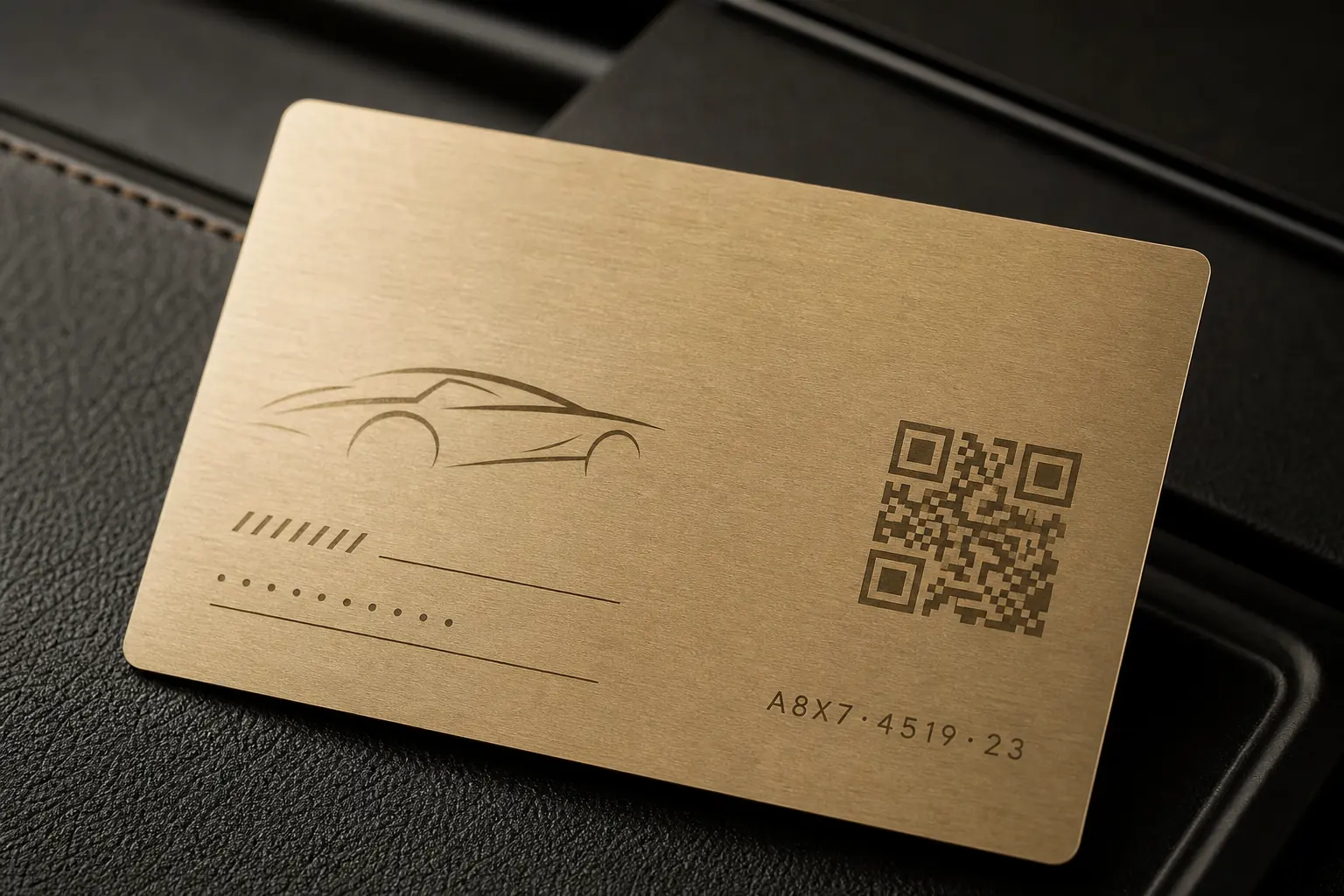
Visible fields may include member name, member number, tier, issue date, expiry, vehicle-community chapter, or a limited-edition sequence. Encoded or linked fields may include an NFC destination, UID reference, access identifier, or internal record key. Print only what staff and members genuinely need to see; keep private vehicle and transaction information inside the controlled system.
(03) — Blog
Choose the right marking method for each field.
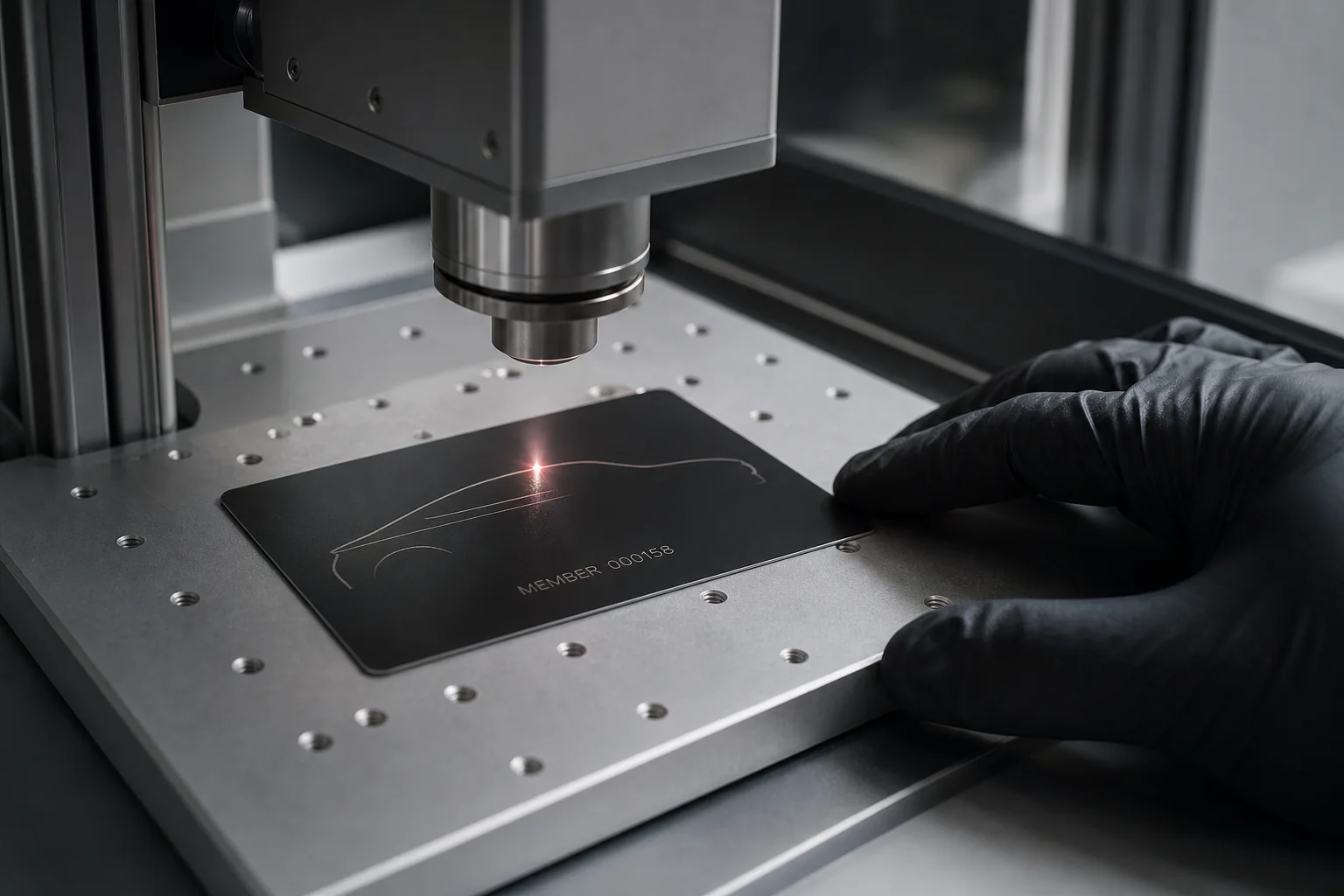
Laser engraving suits permanent names, serials, and fine linework. White ink can create a high-contrast variable panel on black or reflective metal. UV print supports color and more complex graphics. QR codes need a stable contrast field and quiet zone. The selected surface, code size, font size, and scan behavior should be approved on a real sample.
(04) — Blog
Design the data file before final artwork.
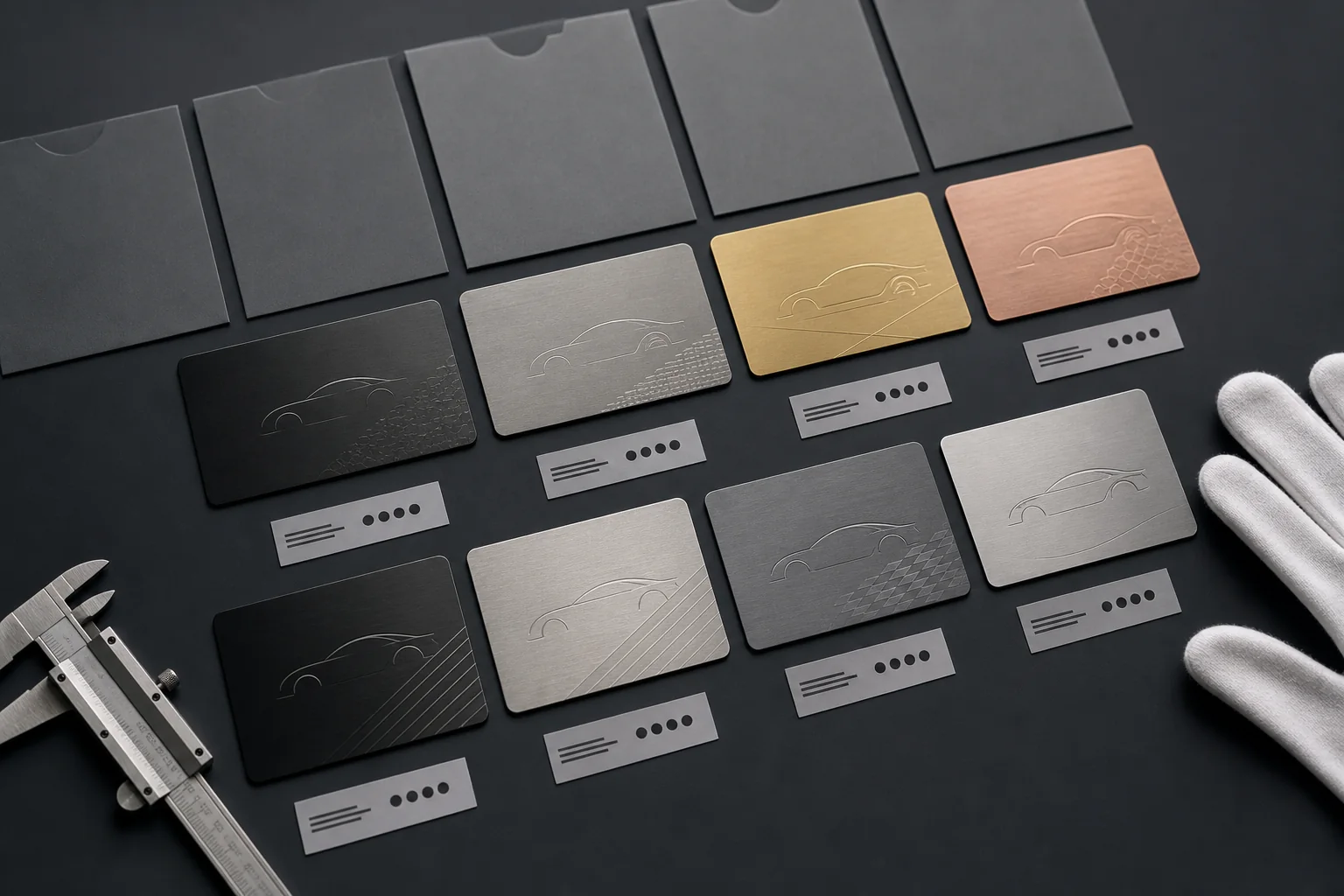
Agree column names, character limits, capitalization, missing-value rules, tier codes, QR payload format, and packaging labels before importing the member list. Use one unique record per card and reject duplicates. A proof should show the longest realistic name, smallest approved code, non-Latin characters where required, and every tier variation.
(05) — Blog
Match physical, digital, and packaging identifiers.
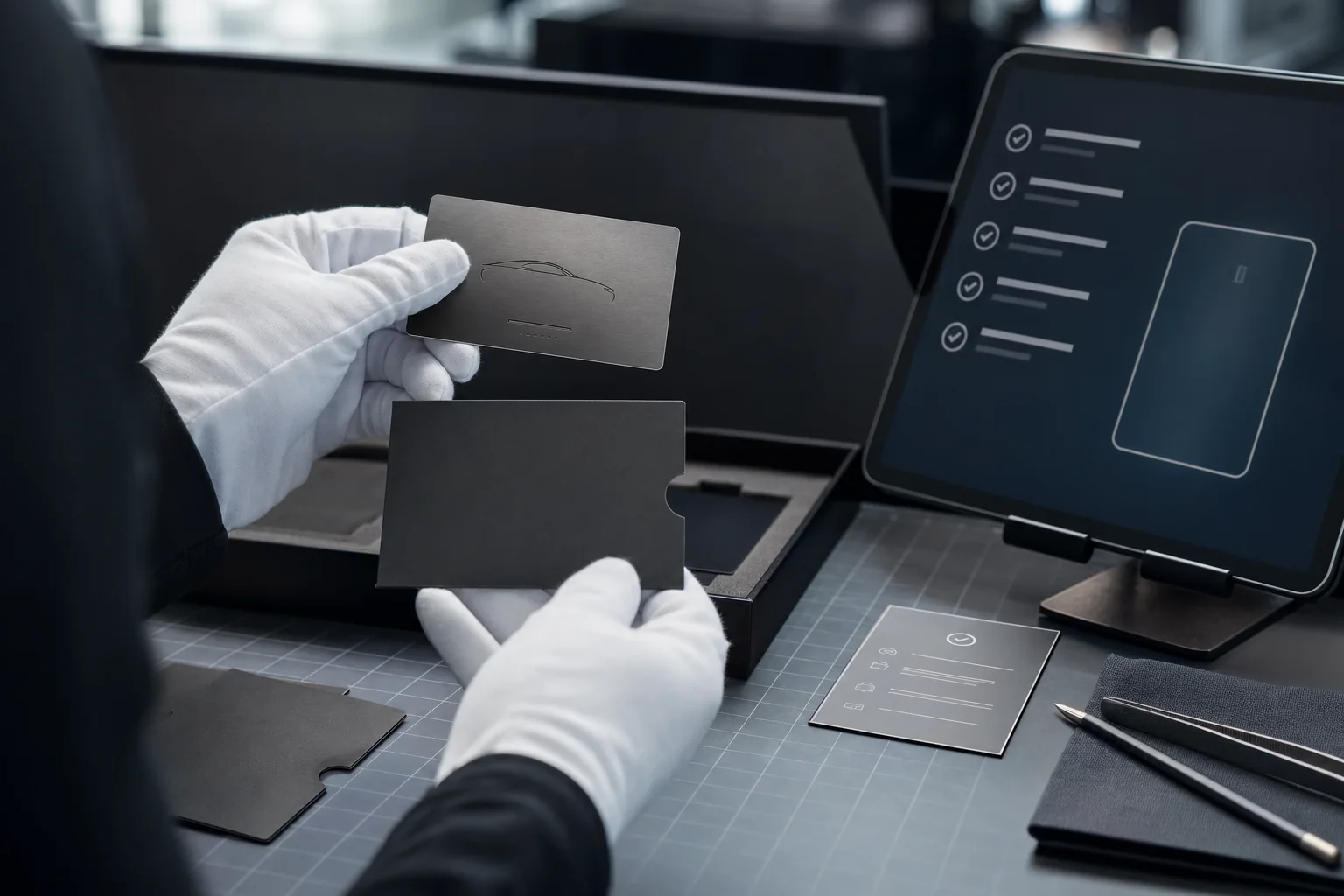
The card serial, encoded record, printed QR, sleeve label, box label, and dispatch list should reconcile. This is especially important when credentials carry access or when individual kits ship directly to members. Scan and read a sample from each batch, then preserve the approved data and exception report.
(06) — Blog
Plan privacy, corrections, and replacement.
Collect only the data required to produce and operate the program. Confirm who approves spellings, who may access the source file, and how corrections are handled after engraving. When a card is replaced, keep a record linking the retired serial or encoded identifier to the new credential without exposing private history on the card itself.