Metal RFID Card

Production files

Metal RFID Card Artwork Specs

A metal RFID artwork file needs more than a logo. Production-ready means vector artwork (AI, PDF, or EPS) with fonts outlined, each process on its own named layer — laser, print, white ink, fill, cut, variable data — a die line for any custom outline, and an antenna-safe area confirmed before release.

Metal RFID Card Artwork Specs

Production detail views

Four artwork specs references for planning the finished metal card.

Outline proofs, alignment templates, approval sheets, and a die-line check — the file work behind a clean production run.

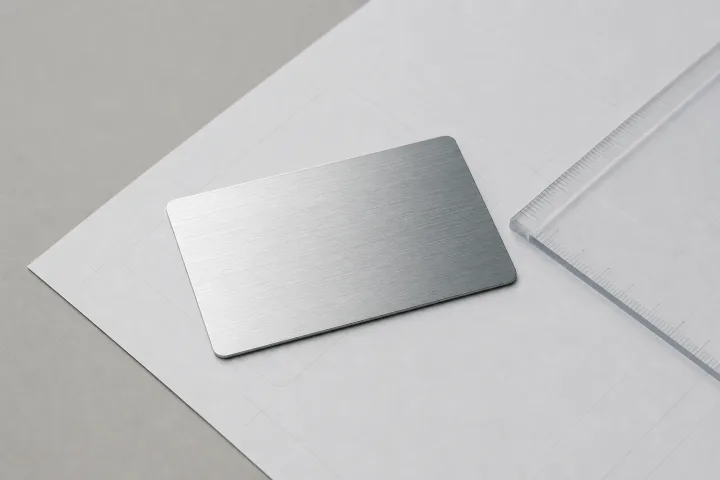
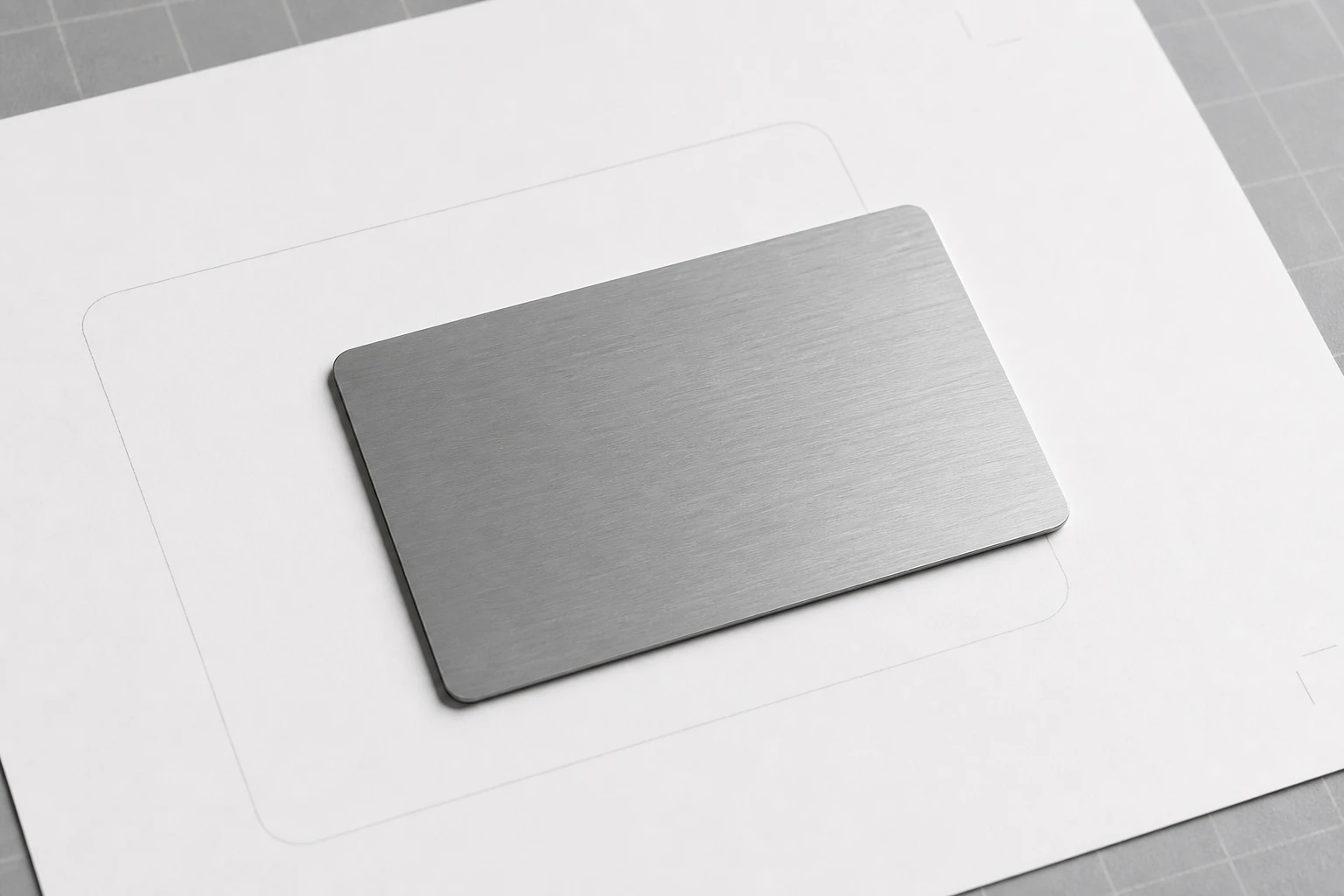
Brushed steel card on an outline proof
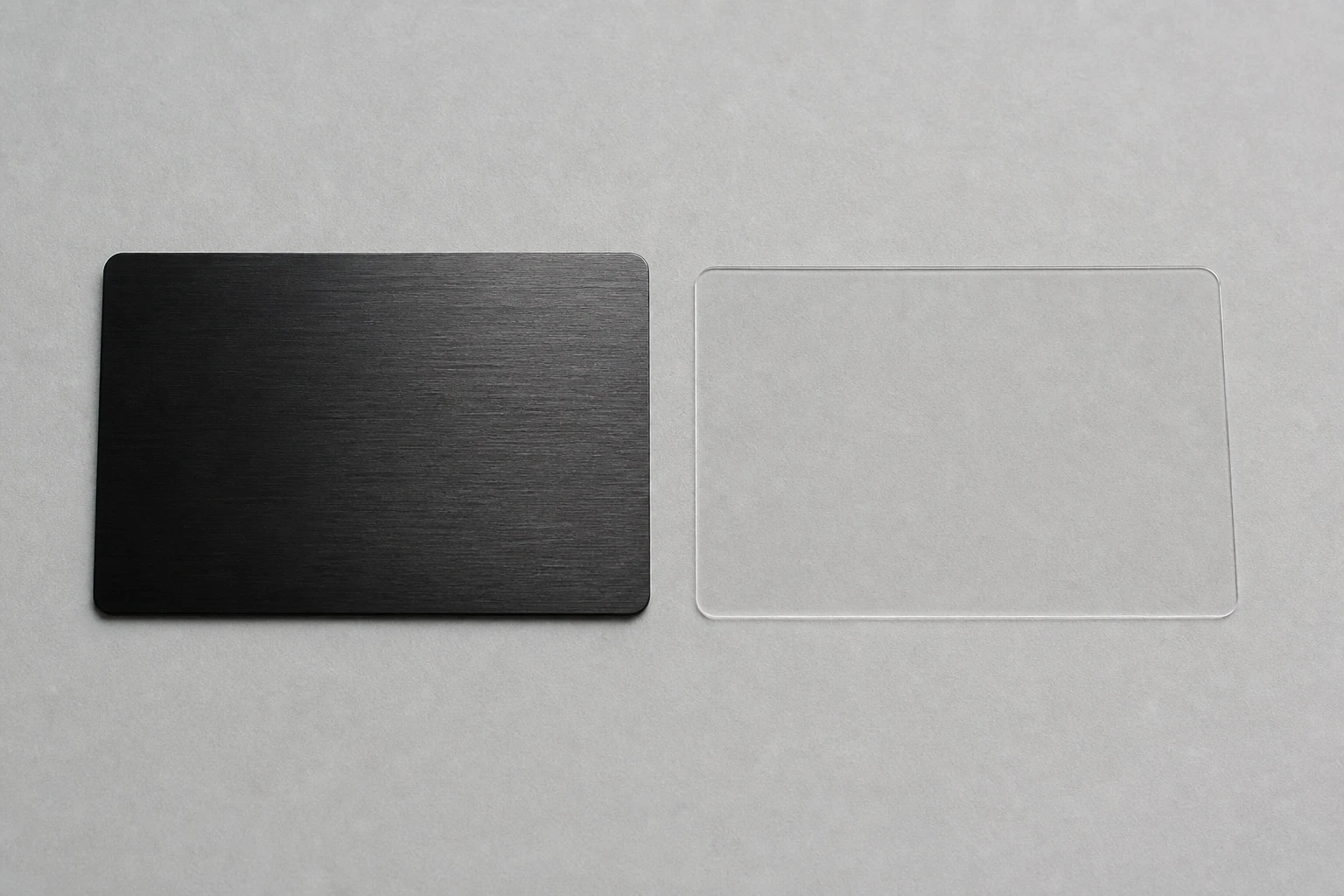
Black card and a clear alignment template
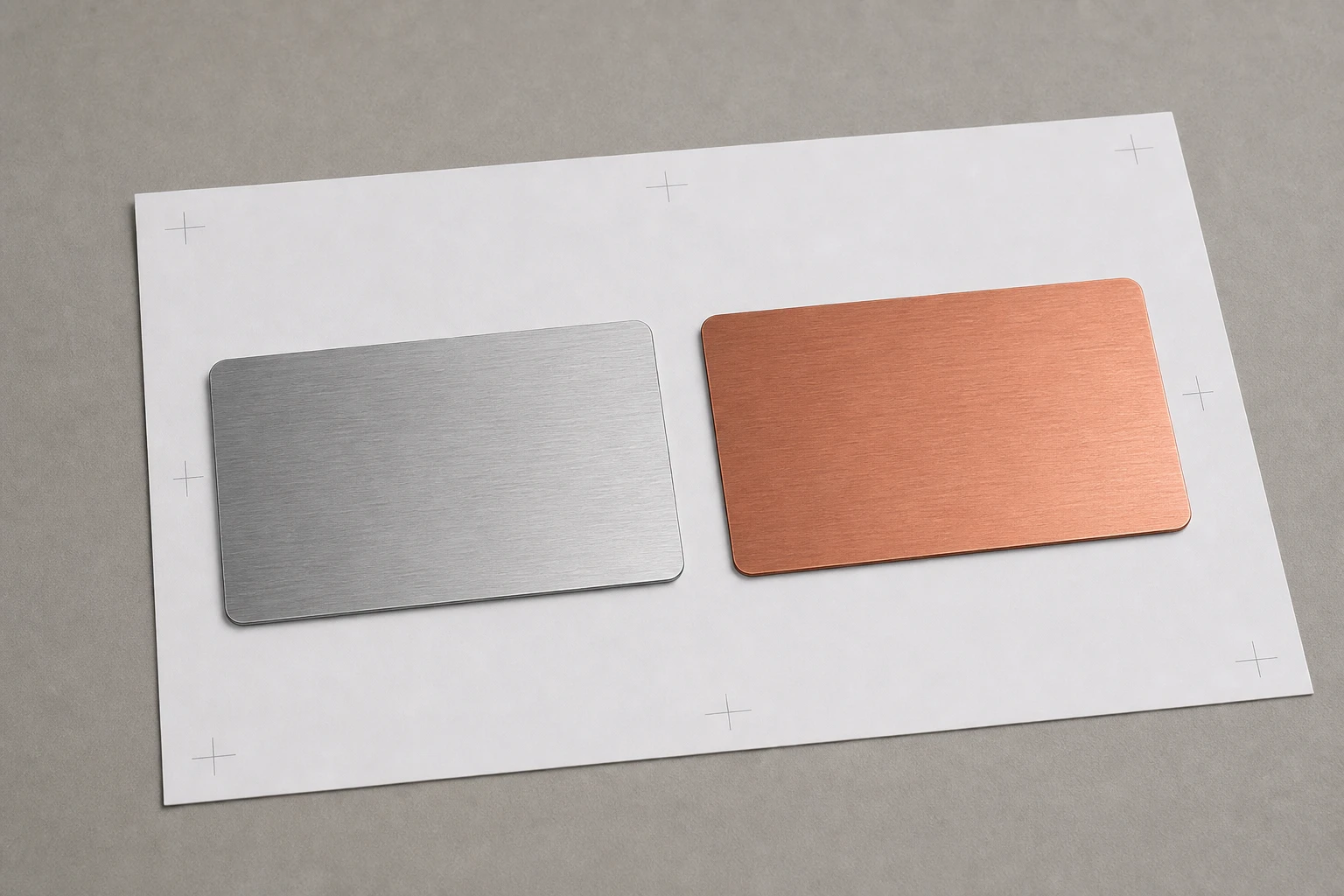
Silver and copper cards on an approval sheet
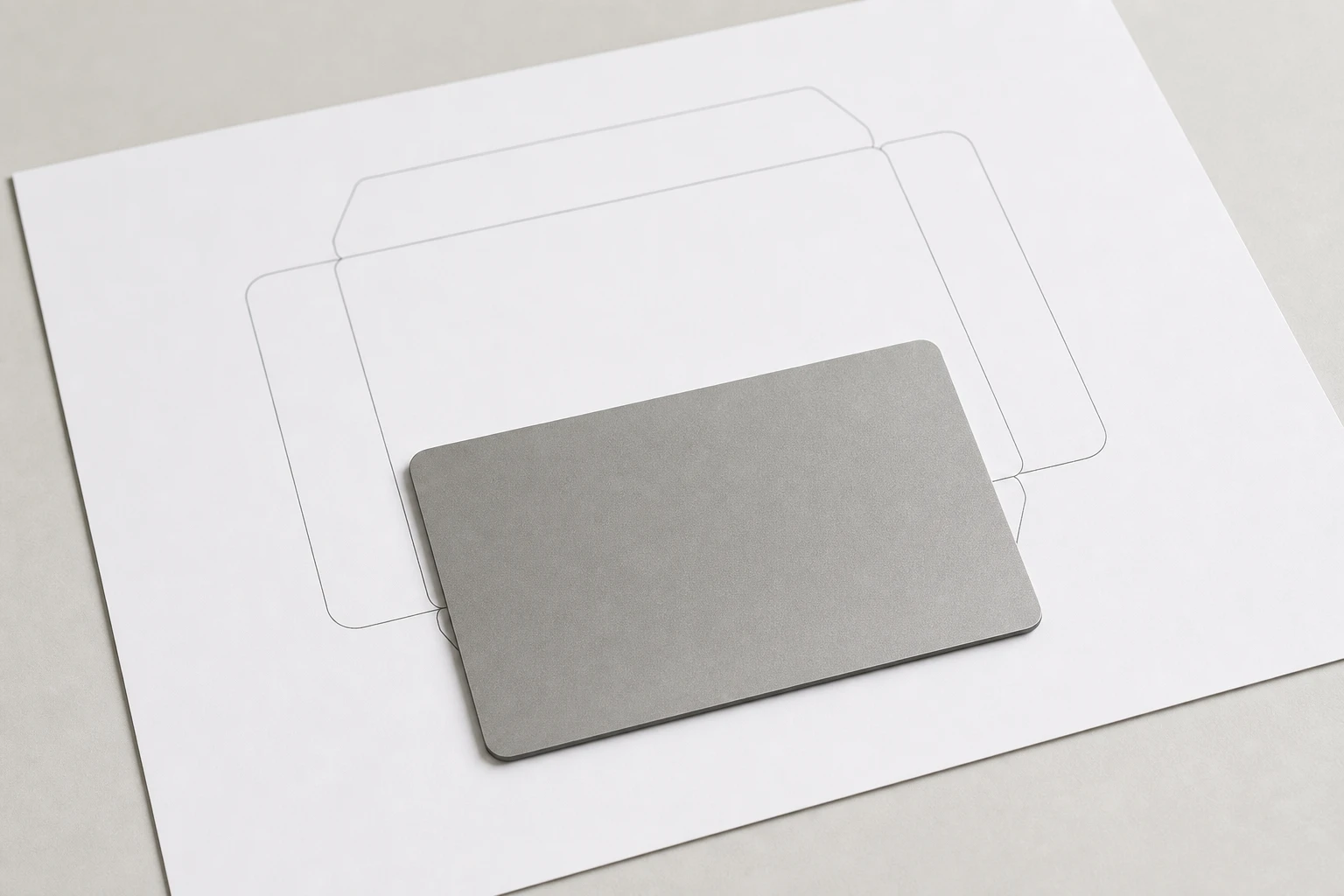
Titanium card over a clean die-line proof

One file, separated by process.

A production-ready file is vector artwork (AI, PDF, or EPS) with fonts outlined and each process on its own named layer — laser, print, white ink, fill, cut, and variable-data zones separated, plus a die line for any custom outline. Variable data arrives as a spreadsheet matched to the layout, and the antenna-safe area is confirmed on the proof before anything is released.

Prove visual and technical performance together.

Approve vector file, layer naming, data template, QR proof, print proof, and working final sample.

Best uses

  • Production-ready artwork, variable data sheets, QR or serial zones, print layers, laser layers, and RF-safe placement.
  • Premium metal card programs where the finish, data zones, and RF construction need coordinated approval
  • Projects with a defined artwork file, variable-data need, and reader or scan validation route

Frequently asked questions

What file format is needed for metal card artwork?

Vector AI, PDF, or EPS with fonts outlined, separate named layers per process (laser, print, white ink, fill, cut), a die line for custom outlines, and variable data as a spreadsheet matched to the layout.

Why do laser and print need separate layers?

Because they are different production processes with different registration: mixing them in one layer forces guesswork at setup. Separated, named layers mean the proof matches intent and the run matches the proof.

What is the antenna-safe area?

The zone the RF construction reserves — artwork, cuts, and data placement must respect it. RF-safe placement is confirmed on the proof, so artwork approval and RF approval stay one step.

Specification

FormatCR80 85.6 x 54 mm by default; custom outlines after RF review
Thickness0.3 mm to 0.8 mm depending on construction
Minimum orderNone — single samples to production runs
Production timeAbout one week after artwork and sample approval
RF constructionAntenna, ferrite or hybrid shielding, chip, metal faces, and edge stack specified together
Chip routesNFC tag, standard HF, high-security AES HF, LF compatibility, and selected UHF by reader test
Marking optionsLaser etch, deep engraving, UV print, white ink, enamel fill, QR, serial, and controlled cut-through
Approval flowFinish sample, encoded working sample, reader check, pre-production approval
Primary routeArtwork specs
Best useProduction-ready artwork, variable data sheets, QR or serial zones, print layers, laser layers, and RF-safe placement.
Approval checkApprove vector file, layer naming, data template, QR proof, print proof, and working final sample.

Related metal RFID card pages

Metal material pages